Project / Desktop App
Projet / Application de bureau
Krino
Photo Sorting
Tri Photo
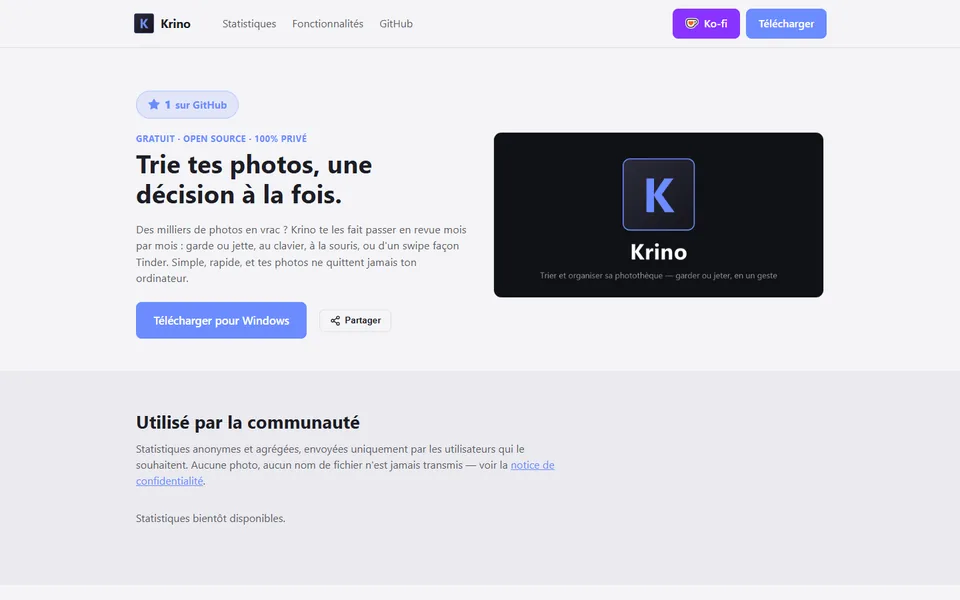
A desktop app that turns photo library cleanup into a fast decision: keep or discard, month by month, by keyboard, mouse or swipe. Nothing is deleted without an explicit review.
Une application de bureau qui transforme le tri d'une photothèque en décision rapide : garder ou jeter, mois par mois, au clavier, à la souris ou d'un geste. Rien n'est supprimé sans revue explicite.
Overview
Aperçu
Judge,
then decide.
Juger,
puis décider.
Krino starts from a simple problem: tens of thousands of photos that never get sorted for lack of time. The name comes from ancient Greek, to judge, to sort, to decide. The app groups files by month and turns the decision into a fast, reversible gesture, with an internal trash bin standing between every discard and any real deletion.
Krino part d'un problème simple : des dizaines de milliers de photos jamais triées faute de temps. Le nom vient du grec ancien, juger, trier, décider. L'application regroupe les fichiers par mois et transforme la décision en geste rapide et réversible, avec une corbeille interne entre chaque suppression et toute suppression réelle.
Screenshots
Captures d'écran
How it works
Fonctionnement
Open a starting folder
Ouvrir un dossier de départ
Krino scans everything recursively and groups it by month, whatever the original organisation was.
Krino scanne tout récursivement et regroupe par mois, quelle que soit l'organisation d'origine.
Decide month by month
Décider mois par mois
Button, keyboard shortcut, or a Tinder style swipe to keep or discard each photo or video.
Bouton, raccourci clavier ou geste façon Tinder pour garder ou jeter chaque photo ou vidéo.
Review before validating
Réviser avant de valider
A recap screen lists what stays and what goes, every decision remains editable until validation.
Un écran récapitulatif liste ce qui reste et ce qui part, chaque décision reste modifiable jusqu'à validation.
Nothing is lost
Rien n'est perdu
Discarded files move to an internal trash bin, fully restorable until it is emptied for good.
Les fichiers jetés partent dans une corbeille interne, entièrement restaurable tant qu'elle n'est pas vidée pour de bon.
Stack
Stack technique
Key concepts
Concepts clés